Best Website Builders for Small Businesses in 2026 (Tested Picks)
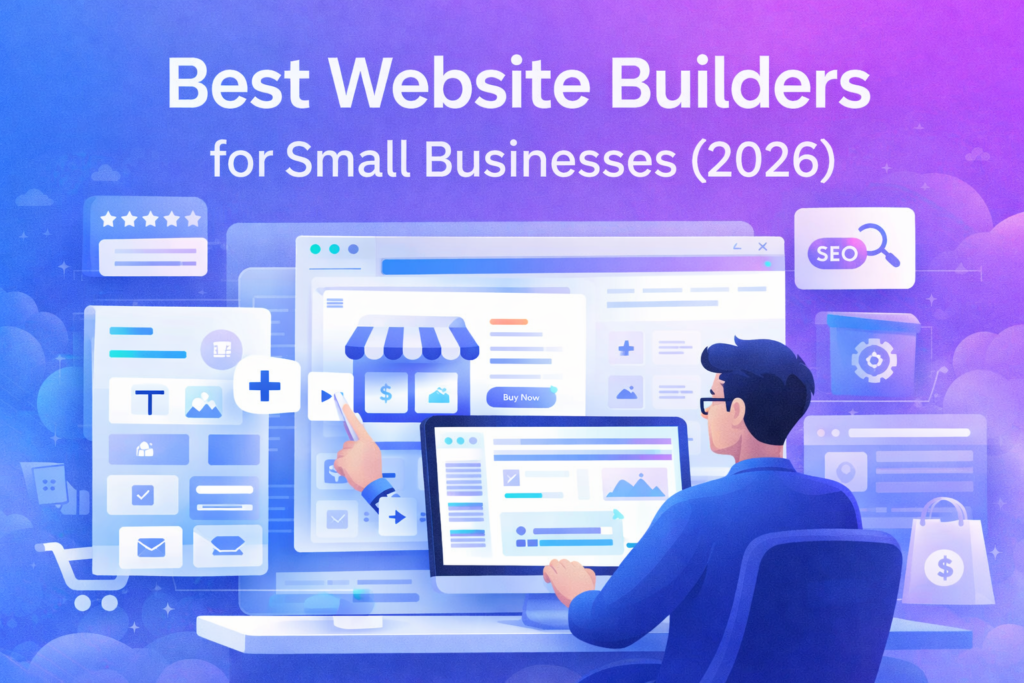
credible, load fast, rank on Google, and convert visitors?” The right website builder should help you publish quickly, keep your site stable, and support marketing (SEO, email capture, landing pages, analytics) without forcing you to hire a developer.
In this guide, we compare the best website builders for small businesses—based on ease of use, design quality, SEO options, integrations, and real-world fit.
Quick Summary (Comparison Table)
| Tool | Best for | Ease of use | SEO strength | Ecommerce | Pricing style | Standout strength |
|---|---|---|---|---|---|---|
| Wix | Beginners who want everything in one place | ⭐⭐⭐⭐⭐ | ⭐⭐⭐⭐ | ⭐⭐⭐⭐ | Tiered plans | Huge app market + fast setup |
| Squarespace | Stunning design + portfolios/brands | ⭐⭐⭐⭐ | ⭐⭐⭐⭐ | ⭐⭐⭐ | Tiered plans | Best-looking templates |
| Webflow | Advanced design + marketing teams | ⭐⭐⭐ | ⭐⭐⭐⭐ | ⭐⭐ | Tiered + workspace | Total design control |
| WordPress.com | Content sites + scalable blogging | ⭐⭐⭐⭐ | ⭐⭐⭐⭐ | ⭐⭐⭐ | Tiered plans | Publishing + long-term flexibility |
| Shopify | Ecommerce-first businesses | ⭐⭐⭐⭐ | ⭐⭐⭐⭐ | ⭐⭐⭐⭐⭐ | Monthly plans | Best ecommerce engine |
| Framer | Modern landing sites + startups | ⭐⭐⭐⭐ | ⭐⭐⭐ | ⭐⭐ | Tiered plans | Speed + sleek UI |
My recommendation for most small businesses:
- Wix if you want the easiest all-in-one builder.
- Squarespace if design/branding matters most.
- Shopify if your business is primarily ecommerce.
Best CRM Software for Small Businesses in 2026
How to Choose the Right Website Builder
Before you pick a tool, answer these quickly:
- Is your site mainly content (blog/reviews) or sales (products)?
- Do you need advanced SEO control (schema, structured pages, programmatic content)?
- How important are templates + speed to publish?
- Do you need integrations (email tools, CRM, analytics, booking)?
A “best” builder is simply the one that matches your workflow and growth plan.
1) Wix

Overview
Wix is one of the most popular website builders because it’s extremely beginner-friendly. You can publish a professional site fast, with strong template options and a large app ecosystem (forms, chat, bookings, email marketing, and more).
Features
- Drag-and-drop builder with many templates
- App marketplace (features you can add in minutes)
- Built-in marketing tools (forms, automations, email options)
- Basic ecommerce and booking features
Pros
- Very easy for beginners
- Many templates and sections
- Apps cover most small business needs
Cons
- Can feel “heavy” if you add too many apps
- Design freedom can create inconsistent layout if you’re not careful
Pricing
Typically tiered monthly plans (varies by region).
Best practice: start with a basic plan, upgrade only when you need ecommerce or advanced marketing.
Best for
Small businesses that want to launch quickly and have an all-in-one platform without technical work.
2) Squarespace

Overview
Squarespace is the “design-first” builder. If you want a site that looks premium out of the box (agency style), Squarespace is hard to beat—especially for portfolios, services, creators, and brands.
Features
- Beautiful templates with strong typography
- Simple editing experience
- Built-in blogging, forms, and basic marketing
- Good for portfolios and service businesses
Pros
- The best-looking templates with minimal effort
- Great for showcasing brand and visuals
- Reliable hosting included
Cons
- Less flexible than advanced builders
- Ecommerce is good, but not as powerful as Shopify
Pricing
Tiered monthly plans; ecommerce features usually require higher tiers.
Best for
Businesses where brand design matters most: photographers, agencies, consultants, salons, creators.
3) Webflow

Overview
Webflow is for people who want deep design control—without writing code. It’s more advanced than Wix/Squarespace, but it can produce extremely clean, fast, unique websites.
Features
- Full layout control (professional design system)
- CMS for dynamic content
- Strong animations/interactions
- Great for landing pages and marketing sites
Pros
- Extremely flexible design
- Great for modern, high-converting marketing pages
- CMS is powerful for structured content
Cons
- Learning curve is real
- Overkill if you just want a simple site quickly
Pricing
Multiple plan types: site plans + (optional) workspace features.
Best for
Marketing teams, agencies, and serious creators who want full control and a premium look.
4) WordPress.com
Overview
WordPress.com combines WordPress publishing power with managed hosting. It’s a great choice if content is your strategy (blogging, reviews, SEO pages) and you want long-term scalability.
Features
- Strong blogging + content management
- Many themes and design options
- Plugins/support depending on plan
- Scales well for content growth
Pros
- Strong foundation for content-heavy sites
- Good SEO potential when set up correctly
- Long-term flexibility
Cons
- Not as “instant” as Wix/Squarespace
- Some features depend on plan level
Pricing
Tiered plans; advanced customization often requires higher tiers.
Best for
Content sites, review sites, and businesses planning to grow via SEO over time.
5) Shopify
Overview
Shopify is the best ecommerce platform for small businesses that sell products (physical or digital). If sales is your main goal, Shopify usually outperforms general website builders.
Features
- Best-in-class product + checkout system
- Inventory, shipping, taxes
- Huge app ecosystem
- Many themes and ecommerce templates
Pros
- Ecommerce powerhouse
- Reliable, secure, scalable
- Easy to integrate marketing tools
Cons
- Monthly cost can be higher than basic builders
- Content sites/blogging is “ok” but not the focus
Pricing
Monthly plans + potential app costs.
Best for
Online stores, ecommerce brands, and anyone prioritizing checkout and product operations.
6) Framer
Overview
Framer is a modern builder that shines for startup-style sites and landing pages. It’s fast, clean, and feels modern—great for simple sites that need to look sharp.
Features
- Smooth design + modern components
- Fast publishing workflow
- Great for landing pages
- Good for simple business sites
Pros
- Very modern look
- Fast to build and publish
- Great for conversion-focused pages
Cons
- Not the best for complex ecommerce
- Fewer “business suite” features than Wix
Pricing
Tiered monthly plans.
Best for
Startups, creators, and small businesses that want a sleek site quickly—especially landing pages.
Final Recommendations (Which One Should You Pick?)
- If you want easiest all-in-one: Wix
- If design quality matters most: Squarespace
- If you want maximum design control: Webflow
- If content/SEO growth is your plan: WordPress.com
- If ecommerce is the business: Shopify
- If you want modern landing pages: Framer
FAQ ?
Q1: What is the best website builder for a small business in 2026?
A: For most small businesses, Wix is the easiest all-in-one choice. Squarespace is best for design-forward brands, and Shopify is best if you sell products online.
Q2: Which website builder is best for SEO?
A: WordPress.com and Webflow can offer strong SEO control when set up correctly. Wix and Squarespace also perform well for most local and small business SEO needs.
Q3: Should I use Shopify or a normal website builder?
A: Use Shopify if ecommerce (products + checkout) is the core of your business. If you mainly need a marketing site with a few products, a general builder may be enough.
Q4: Are website builders good enough for professional businesses?
A: Yes. Modern builders can produce professional websites with fast performance, good design, and marketing integrations—especially for small businesses.
Q5: Can I switch website builders later?
A: You can, but it’s not always easy. It’s better to choose based on your 12-month plan (content growth, ecommerce, or services) to avoid rebuilding later.