Best Business Continuity Apps for SaaS Companies (2026)
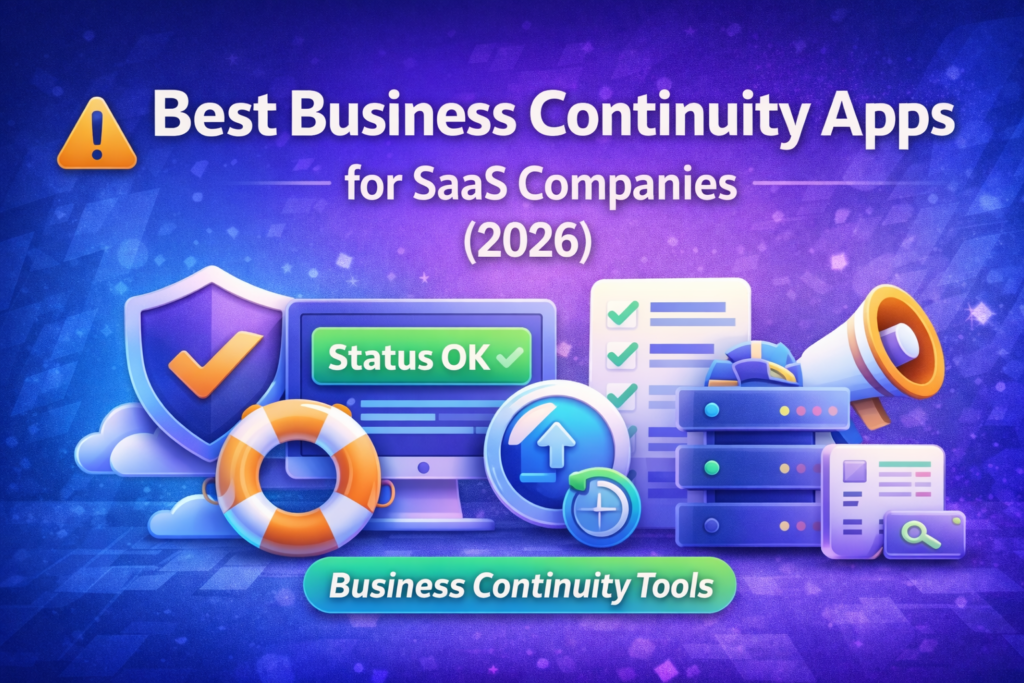
Business continuity for SaaS isn’t just a “disaster recovery document.” It’s the real-world ability to keep shipping, supporting customers, and protecting revenue when something breaks—whether it’s an outage, a bad deploy, a vendor incident, or a security event.
In 2026, the fastest-growing SaaS teams treat continuity like a system made of a few key layers:
- Detection & observability (know something is wrong)
- Incident response & on-call (coordinate fast)
- Customer communication (status updates)
- Backup & recovery (restore data/services)
- Runbooks & postmortems (learn + prevent repeats)
“If you’re also building the revenue side of your stack, our The Best Lead Generation Stack for Small Businesses in 2026 (Landing Pages + Email + Automation) guide shows how growth systems connect end-to-end—continuity tools protect that pipeline when incidents happen.”
Quick Comparison Table
| App | Continuity layer | Best for | Key strength | Pricing |
|---|---|---|---|---|
| PagerDuty | Incident + On-call | Larger SaaS teams | Mature escalation + response workflows | Tiered plans |
| Opsgenie | On-call + Alerts | Teams already in Atlassian | Easy on-call scheduling + alert routing | Tiered plans |
| Better Stack (Better Uptime) | Monitoring + On-call | Lean teams | Simple monitoring + incident workflows | Free + paid |
| Datadog | Observability | Product-led SaaS | Deep metrics/traces/logs for fast diagnosis | Usage-based |
| Splunk On-Call | On-call + Response | Security-heavy orgs | Strong alerting + incident coordination | Tiered plans |
| Statuspage | Status communication | Customer-facing SaaS | Trusted public incident communication | Tiered plans |
| Backblaze | Backup | Cost-sensitive SaaS | Simple, affordable storage/backup | Usage-based |
| Atlassian Confluence | Runbooks | Teams needing documentation | Runbooks, postmortems, SOPs | Tiered plans |
What “Business Continuity Apps” Means for SaaS
The 5 continuity jobs your stack must do
- Detect incidents quickly (before customers report them)
- Coordinate response (clear ownership + timeline)
- Communicate externally (reduce churn + support load)
- Recover systems/data (RTO/RPO discipline)
- Prevent repeats (postmortems + runbook upgrades)
Internal link (place here):
“If incident load is creating support chaos, your processes should connect with your tooling—see our Best Customer Support Software for Small Businesses in 2026 (PartnerStack-Friendly Picks) guide for helpdesk platforms that work well during outages.”
Best Business Continuity Apps for SaaS Companies in 2026
Below are the best tools (apps) that SaaS teams use to build continuity. Each section includes Overview → Features → Pros/Cons → Pricing → Best for plus button text you can use.
1) PagerDuty
Overview
PagerDuty is a classic choice for serious incident response. If your SaaS has on-call rotations, escalation policies, and multiple services, PagerDuty provides a robust “command center” for incidents.
Key Features
- On-call schedules and escalations
- Incident orchestration workflows
- Integrations with monitoring/alert sources
- Post-incident tracking
Pros
- Very mature incident response tooling
- Scales well across teams and services
- Strong escalation logic
Cons
- Can feel complex for tiny teams
- Costs can rise as usage/team grows
Pricing
Tiered plans (often based on users/features).
Best for
Mid-size to larger SaaS teams running real on-call.
2) Opsgenie (Atlassian)
Overview
Opsgenie is a strong on-call tool, especially if you already use Atlassian products. It helps you route alerts, manage schedules, and respond faster with clear ownership.
Key Features
- On-call scheduling and alert routing
- Escalations and notifications
- Integrations with monitoring tools
- Incident timelines (workflow dependent)
Pros
- Solid on-call experience
- Great if your team is already in Atlassian
- Easier learning curve than some enterprise tools
Cons
- May be less ideal if you want an all-in-one continuity platform
- Some teams outgrow it and move to broader orchestration tooling
Pricing
Tiered plans.
Best for
SaaS teams that want dependable on-call without heavy overhead.
3) Better Stack (Better Uptime)

Overview
Better Stack (commonly known through Better Uptime) is loved by lean SaaS teams because it bundles monitoring + alerting + incident workflows in a simpler package.
Key Features
- Uptime checks + alerts
- On-call scheduling
- Incident management basics
- Simple dashboards and workflows
Pros
- Fast to set up
- Great value for small teams
- Everything in one place for core needs
Cons
- Very advanced enterprises may want deeper customization
- Some observability depth may be lighter than big platforms
Pricing
Typically free tier + paid tiers.
Best for
Small-to-mid SaaS teams wanting quick wins.
Internal link (place inside this section):
“If you automate incident follow-ups (tickets, Slack alerts, task creation), our Best AI Workflow Automation Tools (2026): Zapier vs Make vs n8n + Alternatives article can help you pick the connector layer.”
4) Datadog
Overview
Datadog is a leading observability platform for metrics, logs, traces, and infrastructure monitoring. It’s not “business continuity” by itself—but it’s the backbone that helps you detect and diagnose issues fast.
Key Features
- Infrastructure + application monitoring
- Log management and distributed tracing
- Alerting + dashboards
- Incident investigation workflows (via integrations)
Pros
- Excellent visibility across systems
- Speeds up debugging and root-cause analysis
- Very strong for modern SaaS stacks
Cons
- Can become expensive as data grows
- Requires disciplined setup to avoid noise
Pricing
Usage-based (varies by data volume/features).
Best for
SaaS teams that need deep system insight and fast diagnosis.
5) Splunk On-Call
Overview
Splunk On-Call is designed for on-call, alert routing, and incident response—often used by teams that already have strong security/observability workflows.
Key Features
- Alert aggregation and routing
- On-call schedules + escalations
- Integrations with monitoring/security tools
- Incident collaboration support (workflow dependent)
Pros
- Strong alert handling for complex environments
- Works well for security-conscious orgs
- Good for structured on-call operations
Cons
- May be heavier than what early-stage SaaS needs
- Setup can be more involved
Pricing
Tiered plans.
Best for
Teams with complex alert sources and structured incident ops.
6) Statuspage (Atlassian)

Overview
When your SaaS is down, communication is continuity. Statuspage helps you publish incident updates, reduce support tickets, and maintain trust.
Key Features
- Public status pages
- Incident posts + updates
- Subscriber notifications (email/SMS depending on plan)
- Component-level status
Pros
- Clear customer communication during incidents
- Reduces “is it down?” support load
- Builds trust with transparency
Cons
- Needs a real process (who posts updates, when, and how often)
- Some teams prefer lighter/cheaper status tools
Pricing
Tiered plans.
Best for
Customer-facing SaaS with external uptime expectations.
“If your support team needs a playbook for incidents, pair this with your helpdesk stack—see our Best Customer Support Software for Small Businesses in 2026 (PartnerStack-Friendly Picks) guide.”
7) Backblaze (Backup & Storage)

Overview
Backups are continuity. Backblaze is a popular option for straightforward backup/storage needs—especially when you want predictable costs.
Key Features
- Cloud storage / backup workflows (implementation dependent)
- Integration-friendly storage layer
- Simple setup for many backup strategies
Pros
- Cost-effective for many teams
- Simple storage/backup approach
- Good fit for “restore-ready” strategies
Cons
- You still need a real recovery plan (RTO/RPO)
- Not a full DR orchestration tool by itself
Pricing
Usage-based (depends on storage/egress).
Best for
SaaS teams that want an affordable backup/storage foundation.
8) Confluence (Runbooks & Postmortems)

Overview
Continuity breaks down when “the knowledge is in someone’s head.” Confluence is commonly used for runbooks, incident checklists, and postmortems.
Key Features
- Runbooks and SOP documentation
- Postmortem templates
- Team knowledge base + permissions
- Integration with ticketing/workflow tools
Pros
- Makes incident response repeatable
- Improves onboarding and reduces tribal knowledge
- Great for post-incident learning
Cons
- Requires discipline (docs must be kept up-to-date)
- Documentation alone doesn’t stop incidents
Pricing
Tiered plans.
Best for
Any SaaS team that wants reliable runbooks and postmortems.
Recommended Stacks (Pick a “continuity stack” based on your stage)
Early-stage SaaS (lean team)
- Better Stack + Statuspage + Confluence + backups
Simple, fast, and enough coverage.
Growth-stage SaaS
- Datadog + PagerDuty/Opsgenie + Statuspage + Confluence + backups
Balance between depth and speed.
Security-heavy / complex SaaS
- Datadog + Splunk On-Call + Statuspage + runbooks + stronger backup strategy
More structure when risk is high.
Internal link (place here near the end):
“If you’re also building reliable handoffs between marketing → sales → support, our Best CRM Software for Small Businesses (2026) — Top Picks Compared and Best Best Email Marketing Software for Small Businesses in 2026 (Free + Paid Picks) guides help you unify the customer journey—and continuity keeps those systems running.”
FAQ ?
What is business continuity software for SaaS?
It’s the set of apps and processes that help you detect incidents, respond fast, communicate with customers, and recover systems/data with minimal downtime.
Do SaaS companies really need a status page?
If customers rely on your product, a status page reduces support load during incidents and improves trust through transparent updates.
What’s the difference between observability and incident management?
Observability (like metrics/logs/traces) helps you detect and diagnose issues. Incident management coordinates people, ownership, and response steps.
What should a small SaaS team start with?
Start with lightweight monitoring + on-call + a status page + backups + simple runbooks. Add complexity only when you feel pain.
How do I choose between PagerDuty and Opsgenie?
Choose based on your team’s workflow maturity and ecosystem. If you want maximum maturity and orchestration, PagerDuty is common. If you’re already in Atlassian and want simpler on-call, Opsgenie is often a fit.